The card clients find at filing time.
Your services, firm and office address with one-tap call and WhatsApp, in one link. When a client needs you in March, your number is already saved in their phone.
How your card looks when you share it.
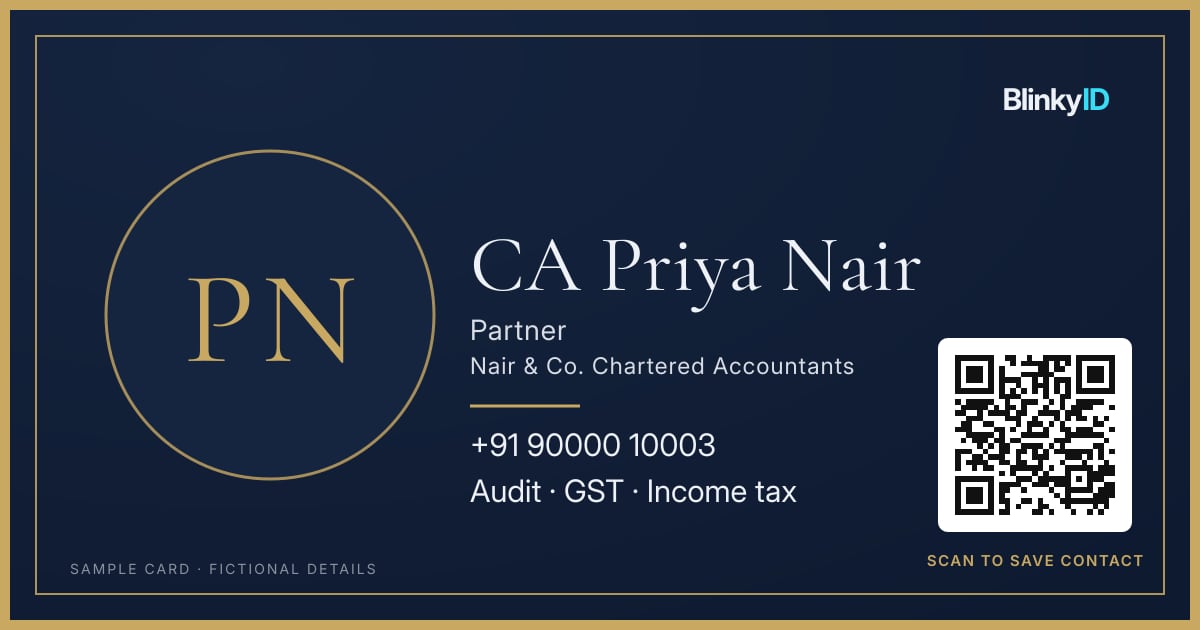
Sample card with fictional details. This is the picture people see when you share your card on WhatsApp; scanning the QR saves your contact.
Everything they would ask you for.
Clients call, WhatsApp or email you with a single tap, even months after you met.
Audit, GST, income tax, company registration, accounting: list what your practice offers.
Your office opens in Google Maps, so new clients reach you without calling for directions.
Firm name and logo on every card; partners and staff can link their own cards to the firm.
Prospects share their details back with you, and you keep them in your contacts with notes.
Clients save your name, number and firm straight to their contacts.
Three steps, two minutes.
Sign up free and add your photo, phone, WhatsApp and details.
Send your card on WhatsApp, show your QR code or print it.
People save your contact to their phone in one tap, with no app.
Before you begin.
What does a CA's BlinkyID card show?
On the free plan: your name, photo, designation, firm, phone, WhatsApp, email and website. With Professional you add your services, an introduction, your office address and more social links, and use the premium designs.
Can my articled assistants and staff have cards?
Yes. Each person creates a card and links it to your firm, so every card shows the same firm name and logo.
Can a prospect send me their details?
Yes. The Exchange button on your card lets them share their name and number with you, and they appear in your contacts.
Do clients need an app?
No. The card opens in any phone browser from your QR code or a WhatsApp link.
Can I print it?
Yes. Download a print-ready visiting card with your QR code on the back.