Your card at every trade fair.
Show one QR at your stall and buyers from any country save your contact, see your products and reach you on WhatsApp. No more running out of paper cards on day two.
How your card looks when you share it.
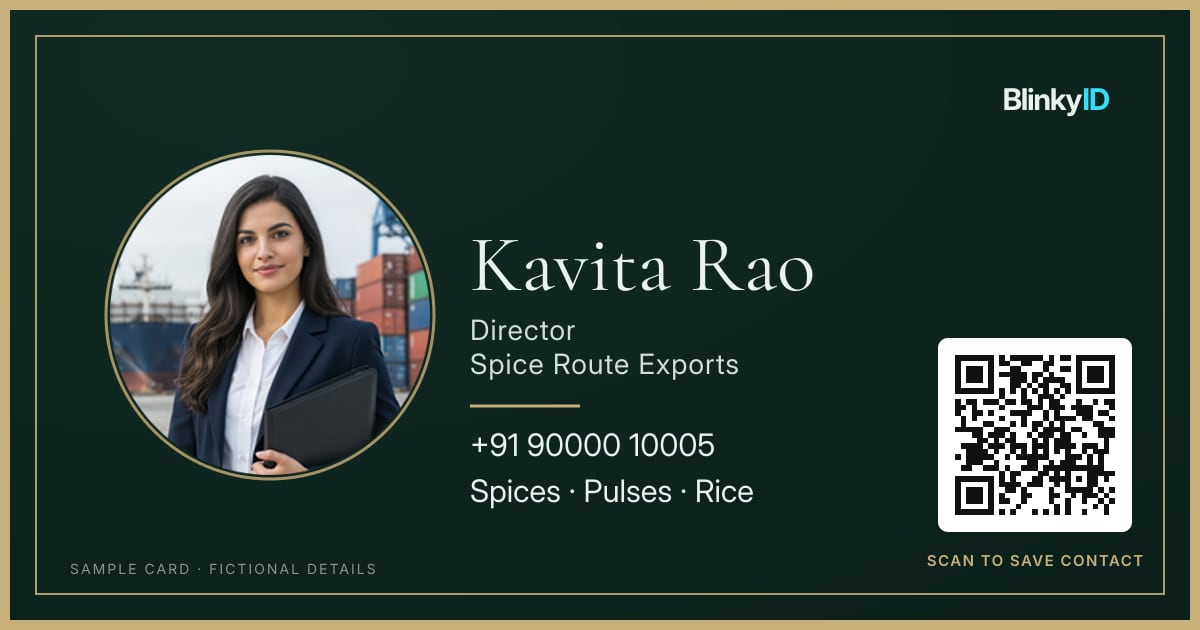
Sample card with fictional details. This is the picture people see when you share your card on WhatsApp; scanning the QR saves your contact.
Everything they would ask you for.
Your card opens in any phone browser worldwide; WhatsApp and call buttons include your country code.
List what you export, with a short description of each product line.
Company name, logo and a short introduction with your certifications and markets.
With Business, scan the paper cards buyers hand you and turn them into contacts.
Notes, follow-up reminders and a pipeline for every buyer you met.
Buyers save your name, company and number in one tap, with no app.
Three steps, two minutes.
Sign up free and add your photo, phone, WhatsApp and details.
Send your card on WhatsApp, show your QR code or print it.
People save your contact to their phone in one tap, with no app.
Before you begin.
Will foreign buyers be able to open my card?
Yes. It is a normal web page that opens in any phone browser in any country, and saving the contact works on Android and iPhone.
Can I show my products?
Yes. With Professional you add your products and services, an introduction, your address and up to ten social links.
Can I scan the cards buyers give me?
Yes. The Business plan includes a visiting-card scanner that reads a photo of a paper card and saves it as a contact.
Can my export team have cards?
Yes. Each team member links their card to your company, so every card shows the same company name and logo.
What should I print at my stall?
Print your QR code on a stand or banner. It keeps working even if you later change your number or details.