Members who stay in touch.
Your programmes, timings and Instagram with a WhatsApp button, in one link. Share it after every trial session so new members can reach you the moment they decide to join.
How your card looks when you share it.
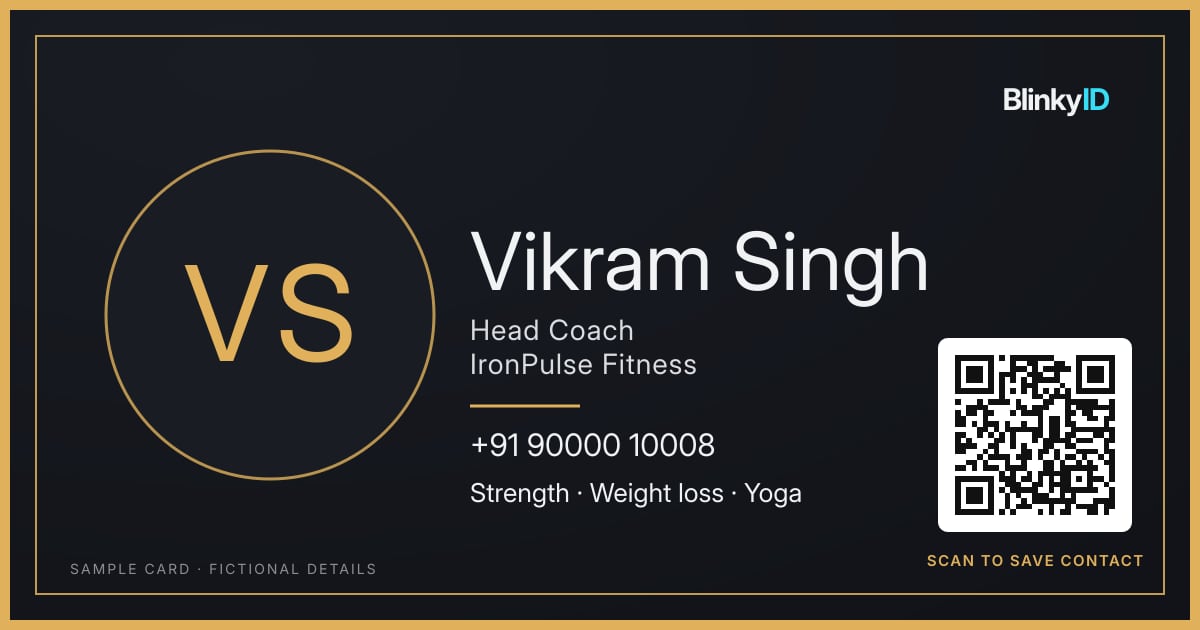
Sample card with fictional details. This is the picture people see when you share your card on WhatsApp; scanning the QR saves your contact.
Everything they would ask you for.
Prospects and members message you for timings, fees and bookings.
Personal training, weight loss, yoga, Zumba, online coaching: list what you offer.
Certifications, experience and your training style in a short introduction.
Link your social pages so people see your transformations and classes.
Your address opens in Google Maps with one tap.
Visitors share their name and number with you from your card for follow-up.
Three steps, two minutes.
Sign up free and add your photo, phone, WhatsApp and details.
Send your card on WhatsApp, show your QR code or print it.
People save your contact to their phone in one tap, with no app.
Before you begin.
What does a trainer's BlinkyID card show?
On the free plan: name, photo, designation, gym or studio, phone, WhatsApp, email, website and two social links. Professional adds your programmes, introduction, address, more social links and premium designs.
Can people who try a session leave their number?
Yes. The Exchange button lets them share their details with you; they appear in your contacts.
Can my trainers have cards too?
Yes. Each trainer links their card to your gym's name and logo.
Can I put the QR on posters?
Yes. Your QR code stays the same even when you update your timings or number.
Do members need an app?
No. The card opens in any phone browser.