Every meeting becomes a lead.
Share your card in a second, capture the other person's details on the spot, scan the paper cards you receive and follow up from one pipeline.
How your card looks when you share it.
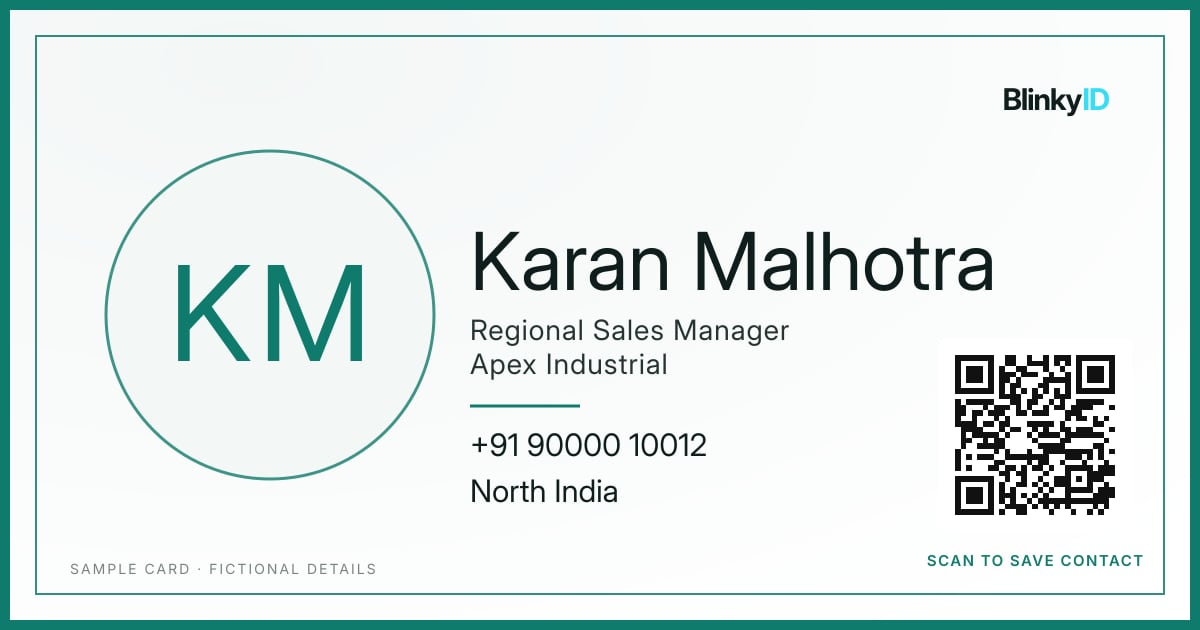
Sample card with fictional details. This is the picture people see when you share your card on WhatsApp; scanning the QR saves your contact.
Everything they would ask you for.
QR, WhatsApp or link: your card reaches them before the meeting ends.
Prospects send you their details from your card; they land in your contacts.
With Business, photograph paper cards and they are saved as contacts.
Move each lead through stages and set reminders so nobody goes cold.
Download your contacts as a spreadsheet for your CRM.
Your whole team links their cards to one company name and logo.
Three steps, two minutes.
Sign up free and add your photo, phone, WhatsApp and details.
Send your card on WhatsApp, show your QR code or print it.
People save your contact to their phone in one tap, with no app.
Before you begin.
Which plan do sales teams need?
Business includes the card scanner, pipeline and follow-up reminders. Essential and Professional include sharing and two-way exchange.
Can I export my contacts?
Yes. Download your contacts as a CSV file for Excel or your CRM.
Can my company manage the team's cards?
Yes. Team members link their cards to your company, and a company admin approves them.
How do prospects share their details?
They tap Exchange on your card and send their name, phone and email. You see them in your contacts with the date.
Do prospects need an app?
No. Your card opens in any phone browser.